Long video, shoong,
now it's a short
Paste a link and AI picks the highlights, then adds Korean, Vietnamese, Chinese and English captions. No need to download the video.
One link is all it takes · free during the beta
What one link turns into
An example — clips and hook titles the AI picked from one talk
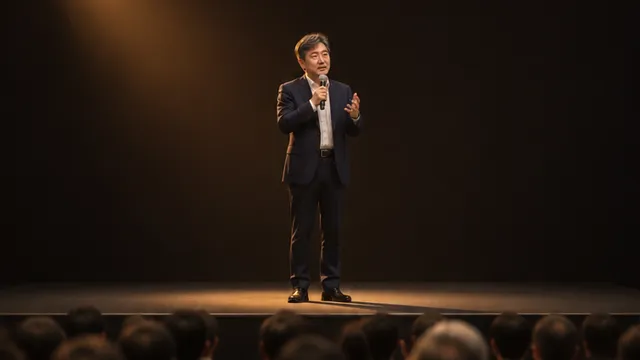
Hook titles · captions in 4 languages · caption position adjusts itself
 88Running at 89,
a marathon at 1000:43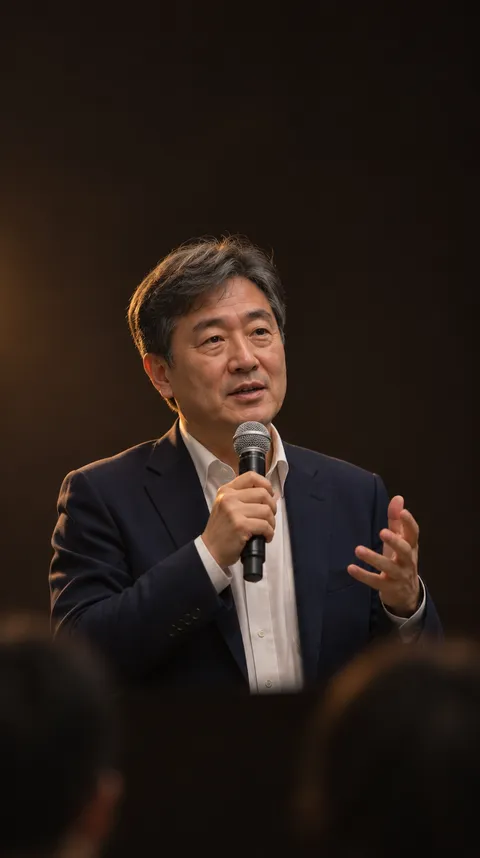 88No motivation?
Start with action0:36 86Failure becomes
a hidden asset0:52 84The real reason
partnerships break0:48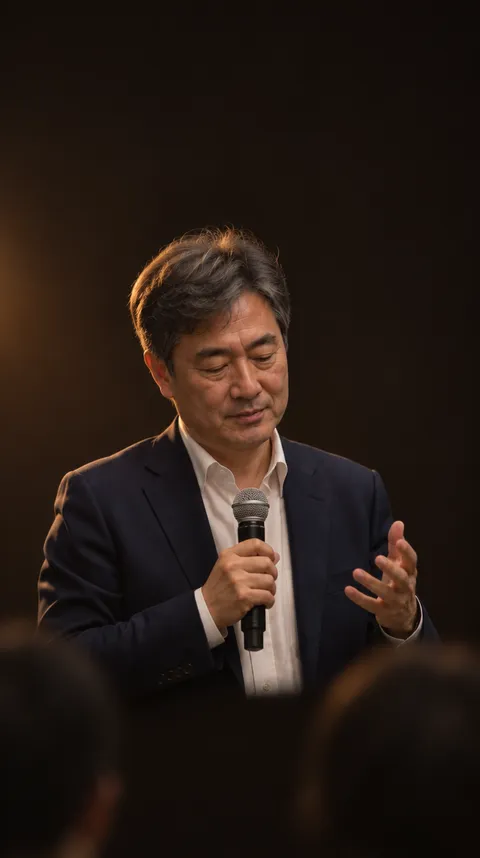 84Why we care for
ourselves last0:22 82Forgetting is
perfectly normal0:44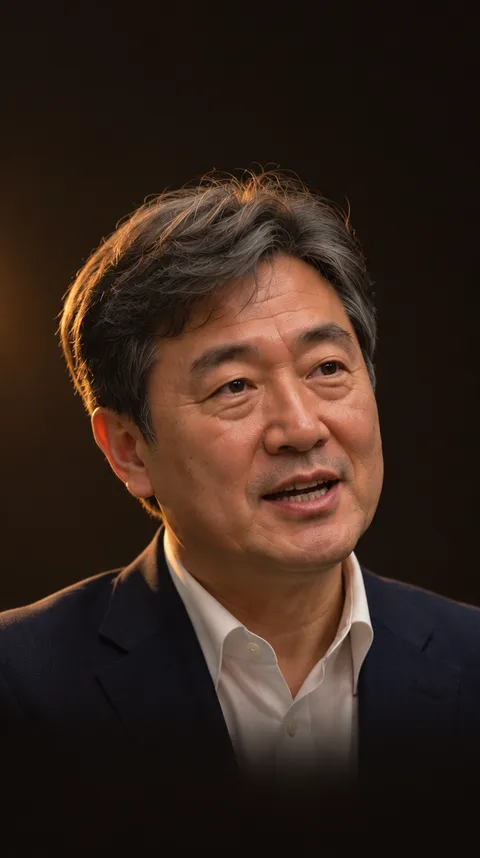 80What makes it last:
responsibility0:26
Pick from 5 hook title styles
Why Shoong
Not an editing app — a shorts factory that runs on one link.
Paste the link, put your phone down
Nothing to install. Fetching, transcribing and rendering all run on our servers, so you can paste a link on your phone and close the page — the work carries on.
Vietnamese, done right
Vietnamese captions that keep every tone mark, line lengths set per language, and Korean, Chinese and English translations with dual captions — all in one go.
Ask ChatGPT or Claude for shorts
We are building the connection (MCP) that lets you hand an AI assistant a link, say "make shorts", and get clips back.
Finish on your phone in 3 steps
Paste one link — and it ends up in your phone’s Photos.
Paste a link
Paste a video link in your phone browser and tap "Import" — it gets made right away. Uploading a file works too.
Pick your clips
Choose the clips you like from the AI’s picks, with captions and a hook title.
Finished videos, straight to your phone’s Photos
Scan the QR code on your computer screen with your phone camera, then tap "Save to phone" once. No app to install, no AirDrop, no emailing it to yourself.
Tested on iPhone (Safari and Chrome). The link stays open for 1 hour.
Free during the beta
Sign up — no payment — and process 60 minutes of source video (up to 30 minutes per video). Editing captions and rendering never use up minutes.
The free plan may change at launch, when paid plans will be announced.
Questions
Which videos work best?
Videos where people talk work best — talks, podcasts, live replays, vlogs. Captions in Korean, Vietnamese, Chinese and English are quality-checked; other languages can be tried too.
How are clips picked?
The AI reads the whole transcript and gives each clip a score and the reason it was picked. Pick again for free up to 5 times a day, or make a clip yourself by selecting sentences in the transcript.
How long does it take?
For a one-hour video, clip ideas usually arrive within 5–15 minutes (including fetching the video from the link). Rendering usually takes a few minutes — it depends on the clip length and how busy we are.
What can I do for free?
It is free during the beta. Signing up gives you 60 minutes of source video, with up to 30 minutes per video. Picking clips and transcribing use minutes by video length; editing captions, rendering and re-rendering do not. The free plan may change at launch.
Is my video safe?
Videos are copied to our storage for processing, and download links are secure links that work for one hour. Only upload videos you have the rights to. To have a video deleted, ask in the free-text answer of the "Send feedback" form at the top of the page.